A Conversational Analysis Tool
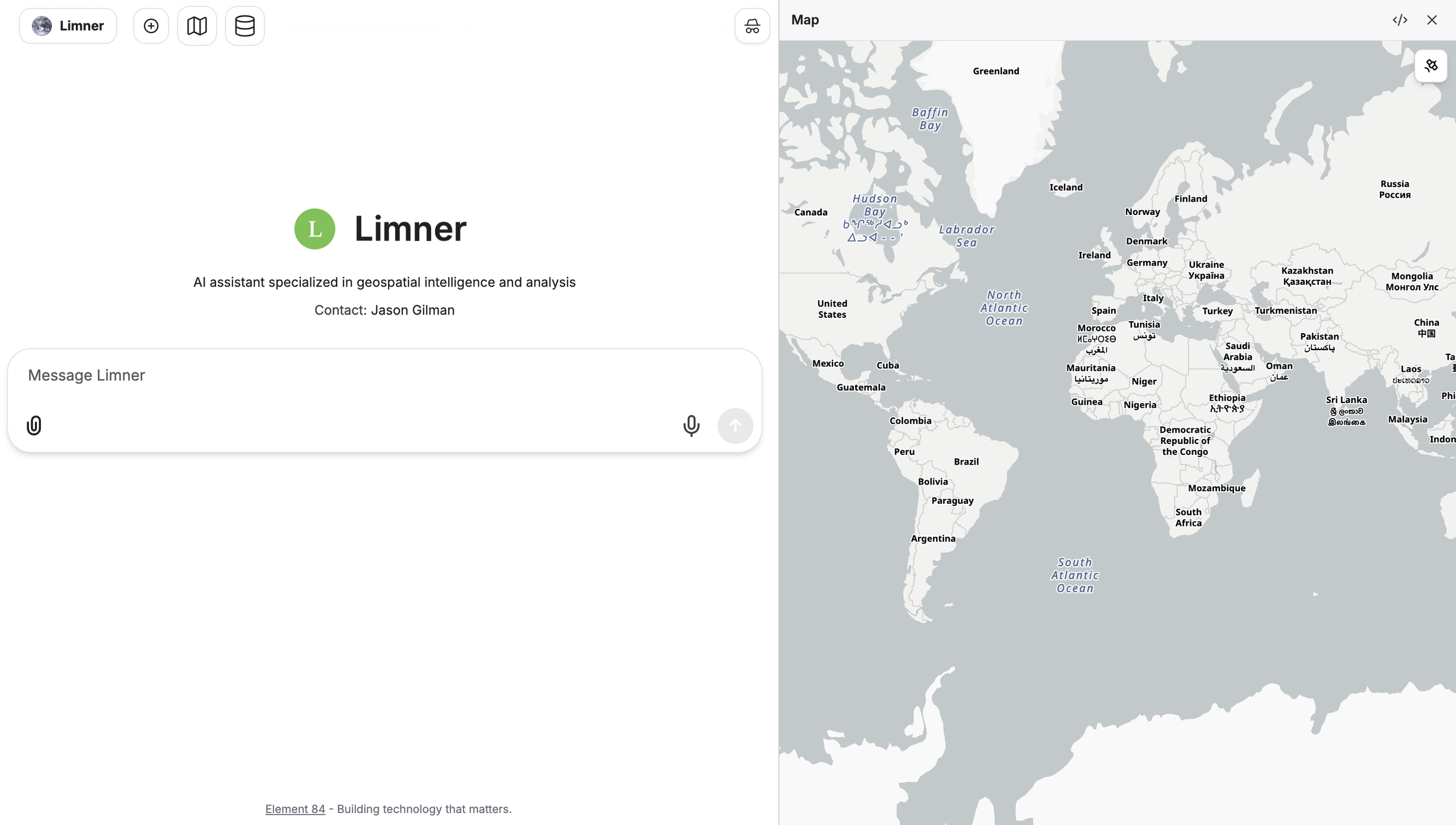
Limner is Element 84’s conversational analysis tool, designed to help experts and beginners alike analyze complex geospatial data through an easy-to-use chat interface. Its speed, transparency, and ability to handle large and complex datasets easily make it a great fit for anyone trying to do data analysis at scale.
Explore Limner with the following features
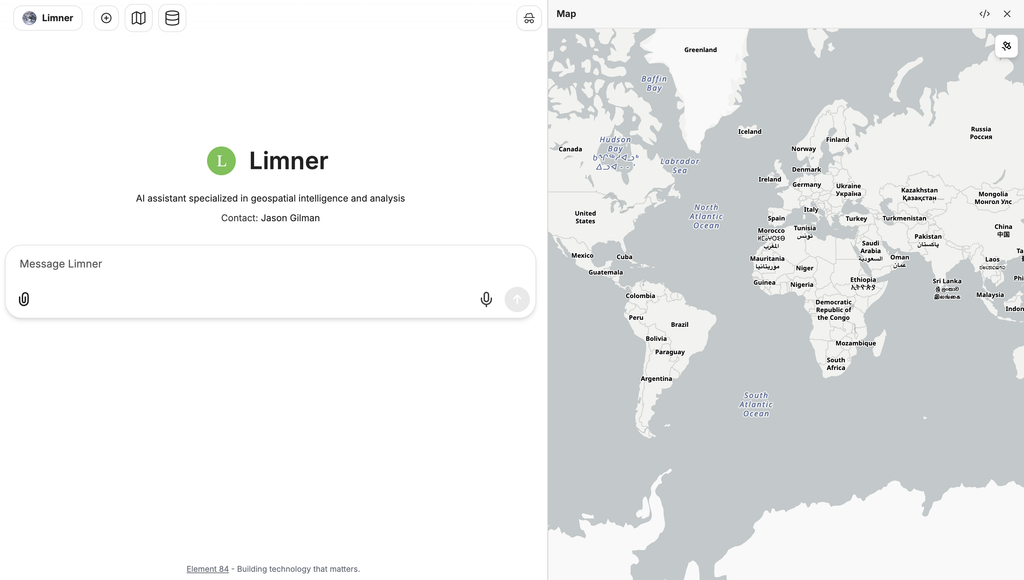
Conversational Interface
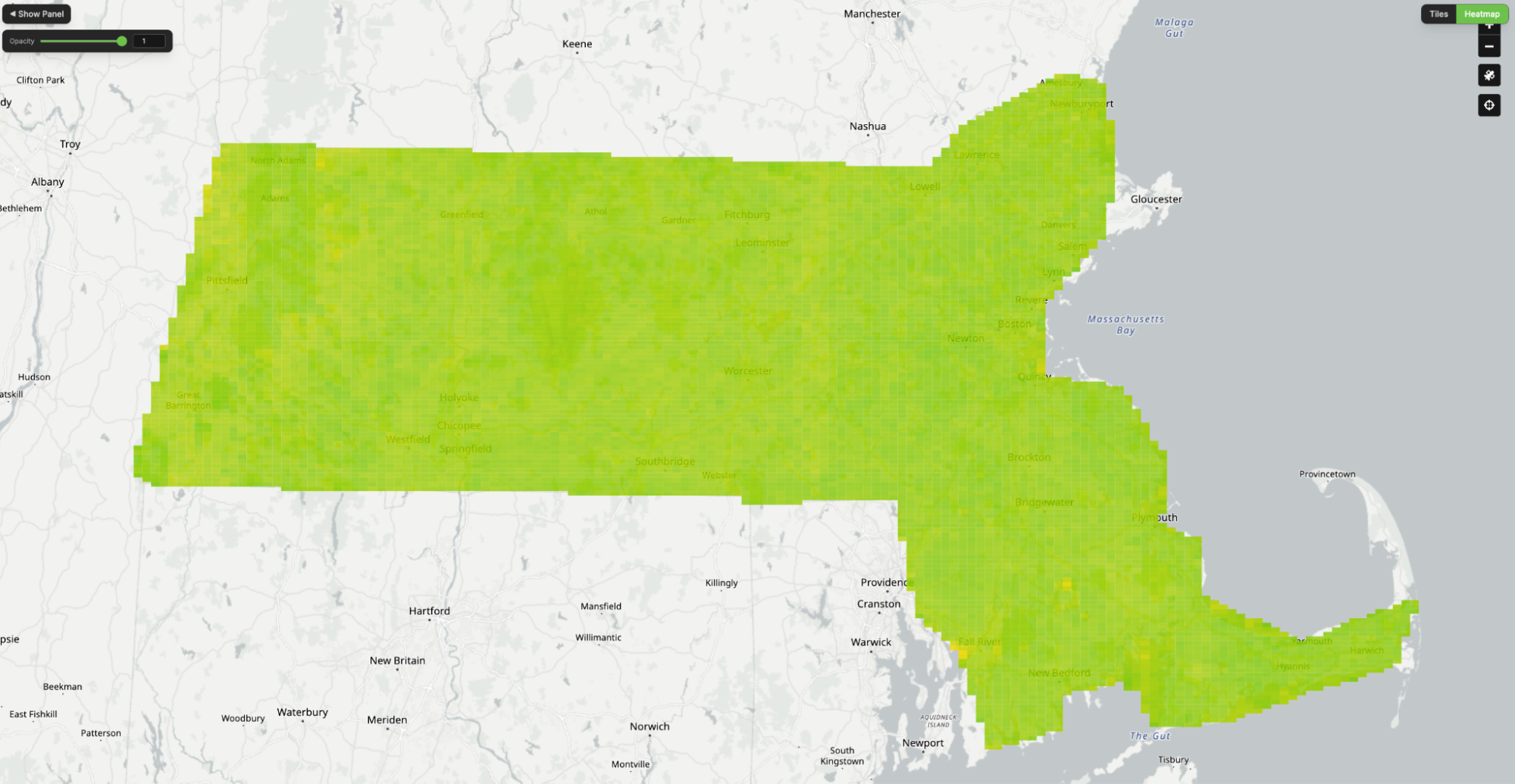
Ask Limner a question in plain English, and it answers with maps and tables. Follow-up questions let you narrow the area, change the analysis, or check how it got an answer.
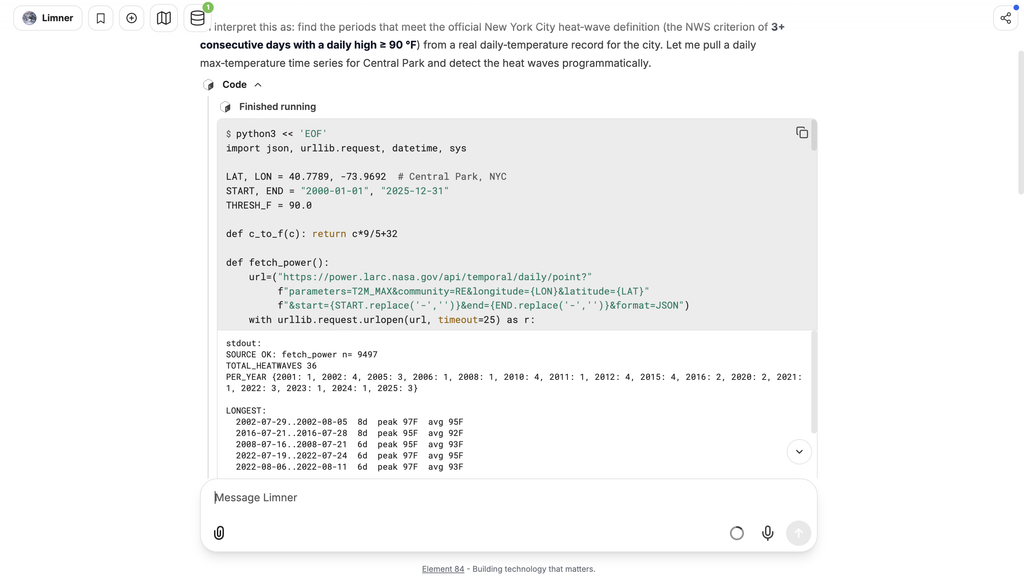
Dynamic Code Generation
Limner writes code on the fly, so it isn’t limited to a fixed set of features. It draws on its knowledge of geospatial and data analysis, along with its skills and tools, to work out what code each question needs. From simple bash data retrieval to advanced Python analysis, Limner can write and execute the code it needs to interpret data.
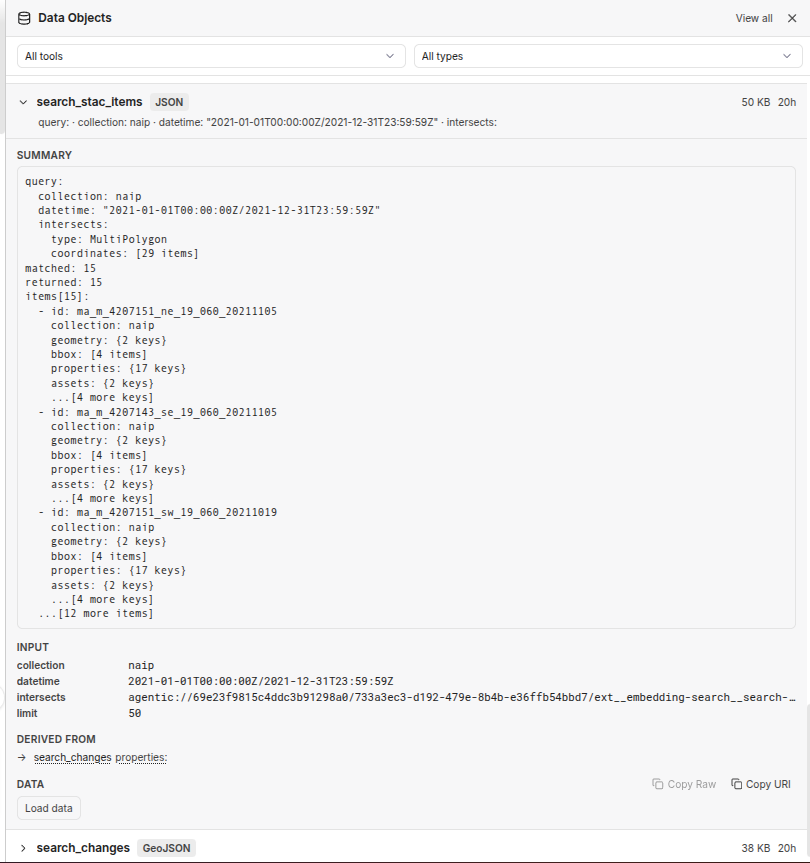
Agentic Data Storage
Limner can retrieve, store, and query data from a number of sources. Agentic Data Storage lets Limner work with large datasets while recording every interaction with configured data sources, so you can trace each answer back to the data behind it. Because Limner reads only the parts of the data it needs, each question costs less to answer.
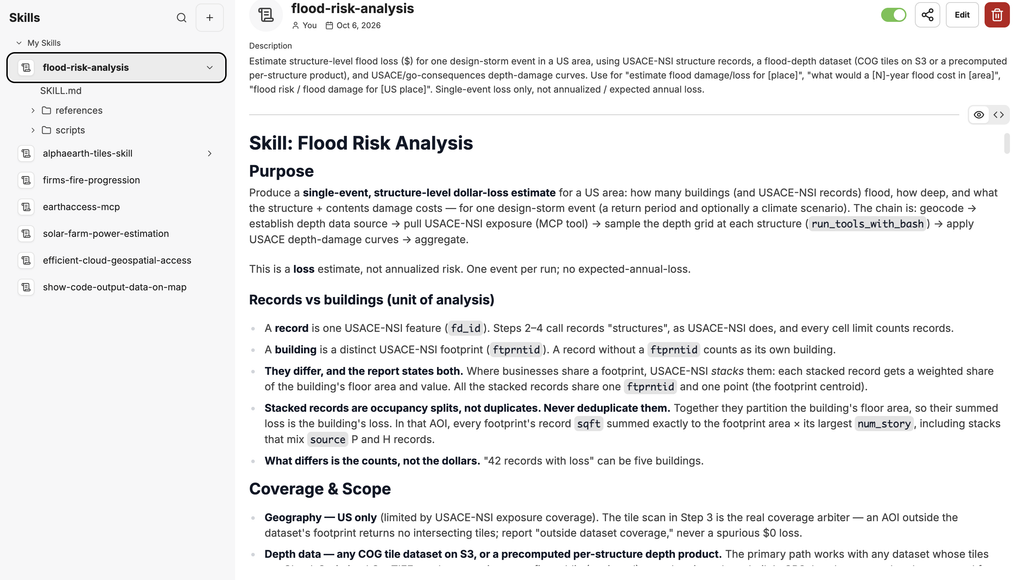
Flexible Tooling
Custom agents, skills, and tools allow Limner to adapt to your analysis needs. Limner can even connect to other data sources, including cloud-based datasets and datasets requiring authentication.
See Limner in Action
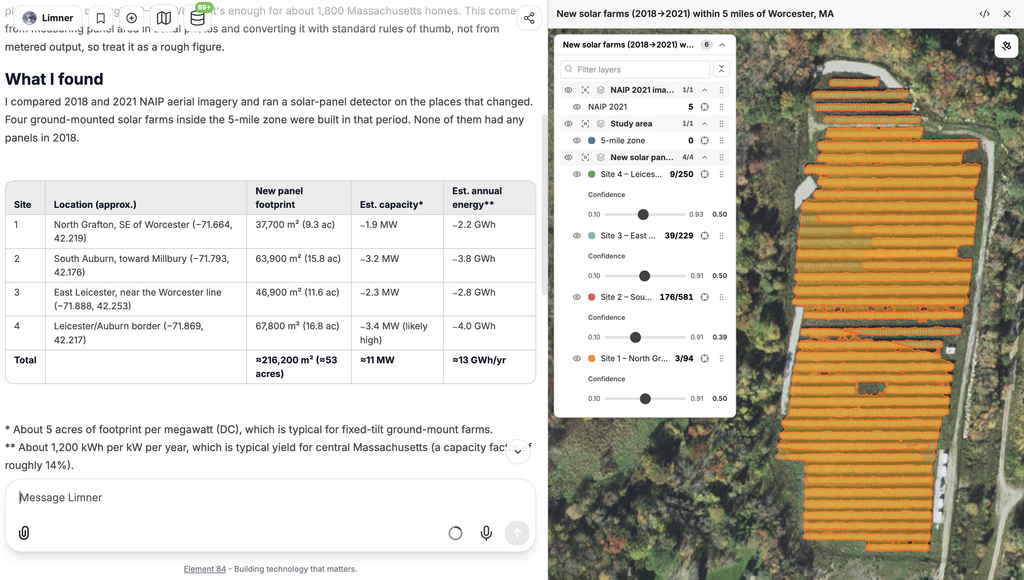
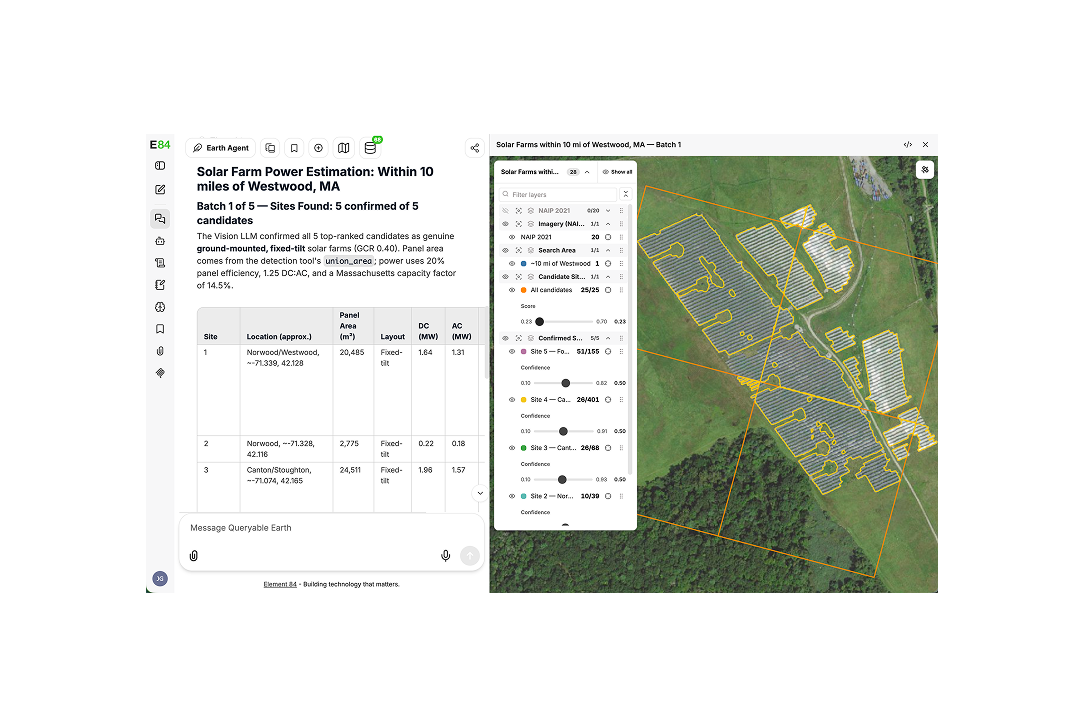
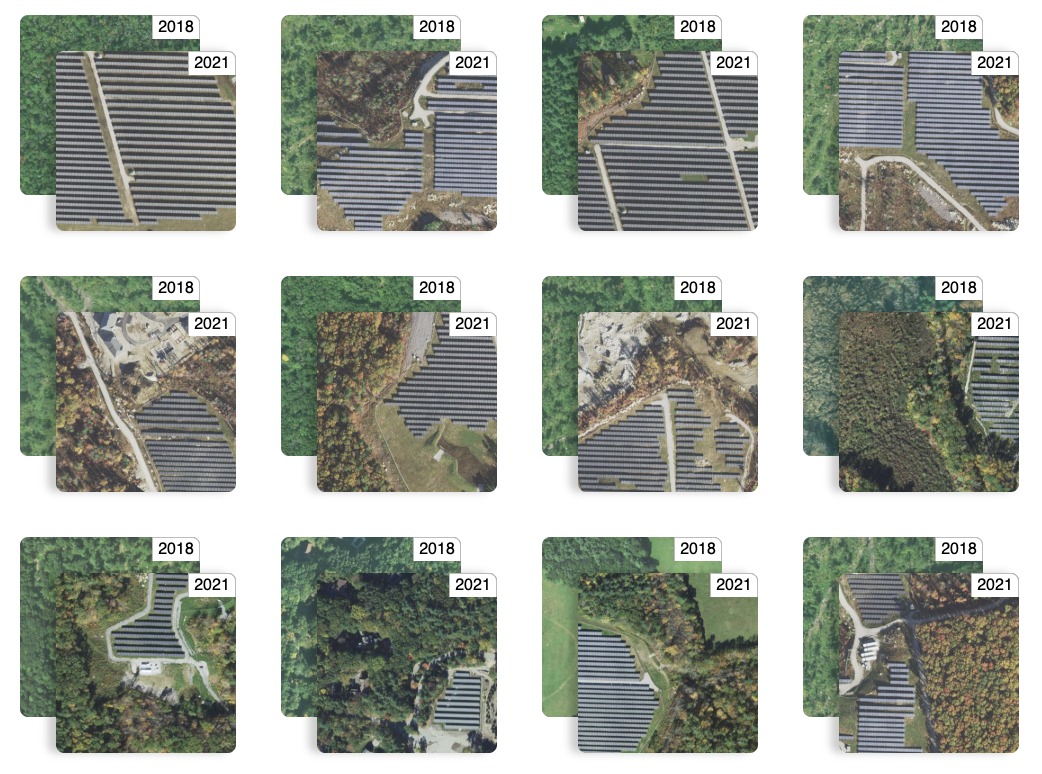
Use Limner to estimate the amount of energy added by new or existing solar farms based on changes in satellite imagery. Limner accomplishes this by:
- Locating your area of interest and searching for imagery with new or existing solar farms.
- Retrieving imagery and segmenting solar panels within, filtering out false positives.
- Determining the type and boundaries of each found solar farm.
- Computing the energy estimation for the solar farms based on the found area.
- Presenting the results in both table and map form, offering to follow up as needed.
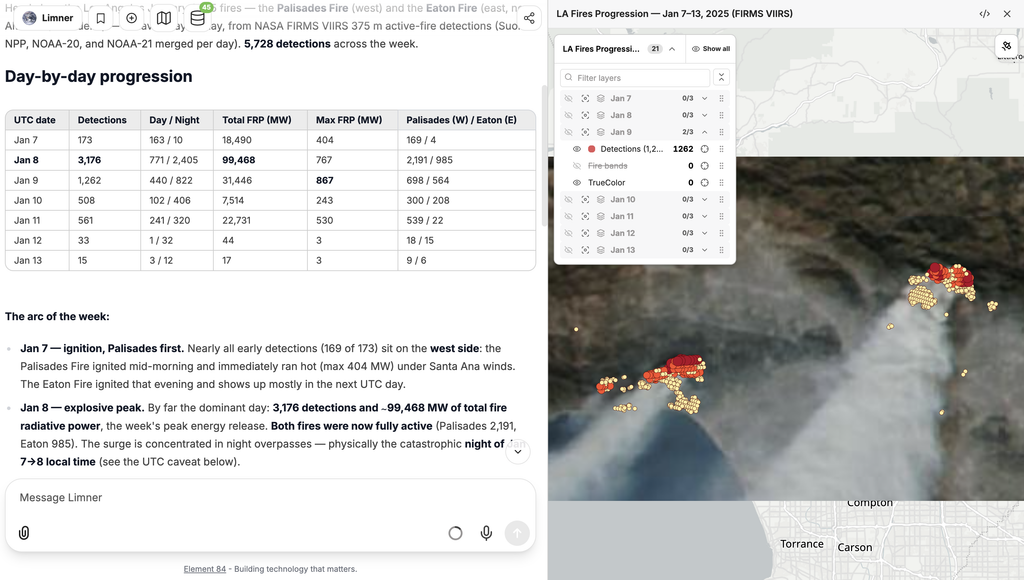
Use Limner to visualize and analyze the progression of wildfires by retrieving NASA data. Limner accomplishes this by:
- Locating your area and time period of interest.
- Finding the best FIRMS data collection and retrieving data for the area and time period.
- Analyzing the daily trajectory and clustering the data into groups.
- Retrieving the appropriate GIBS tiles for the area and time period.
- Presenting the results in both table and map formats, separating the results into one map group per day and offering to follow up as needed.
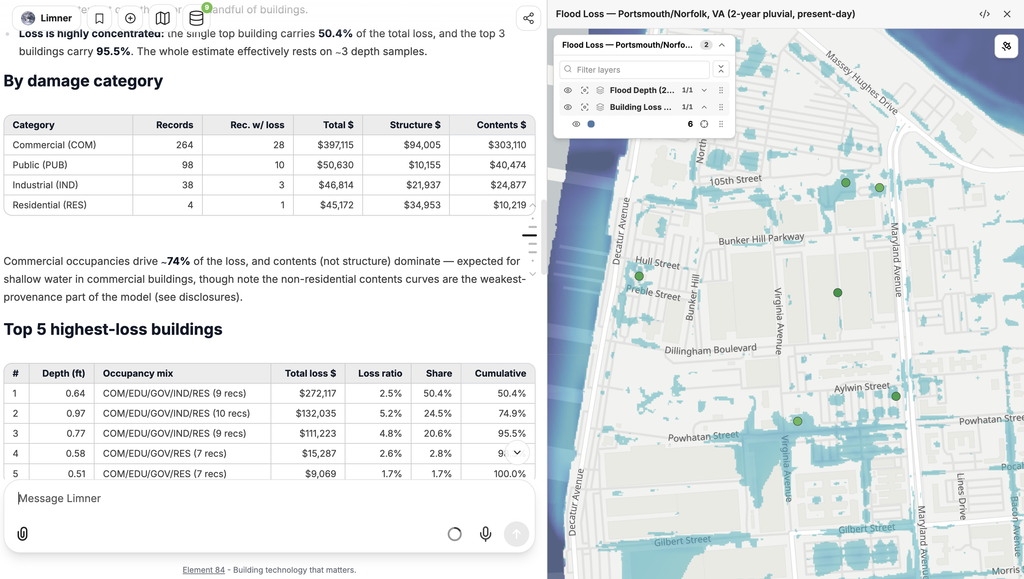
Use Limner to analyze the amount of damage done to structures in an area based on flood depth. Limner accomplishes this by:
- Locating your area and basic information about the depth dataset for that area.
- Retrieving building and flood depth data for the area of interest.
- Using U.S. Army Corps of Engineers (USACE) depth damage curves to determine each building’s damage.
- Totaling the estimated losses and breaking them down by building type.
- Presenting the results in both table and map formats, disclosing any uncertainty and offering to follow up as needed.