
We would like to officially introduce you to Limner, our conversational geospatial analysis tool. This project first began back in 2024, as an experiment using vision-language models to find images using text. As that project developed, we began to build it into a true conversational interface, able to detect change and converse with users directly. Now, we’ve brought those demos together under the Limner name as an Element 84 tool.
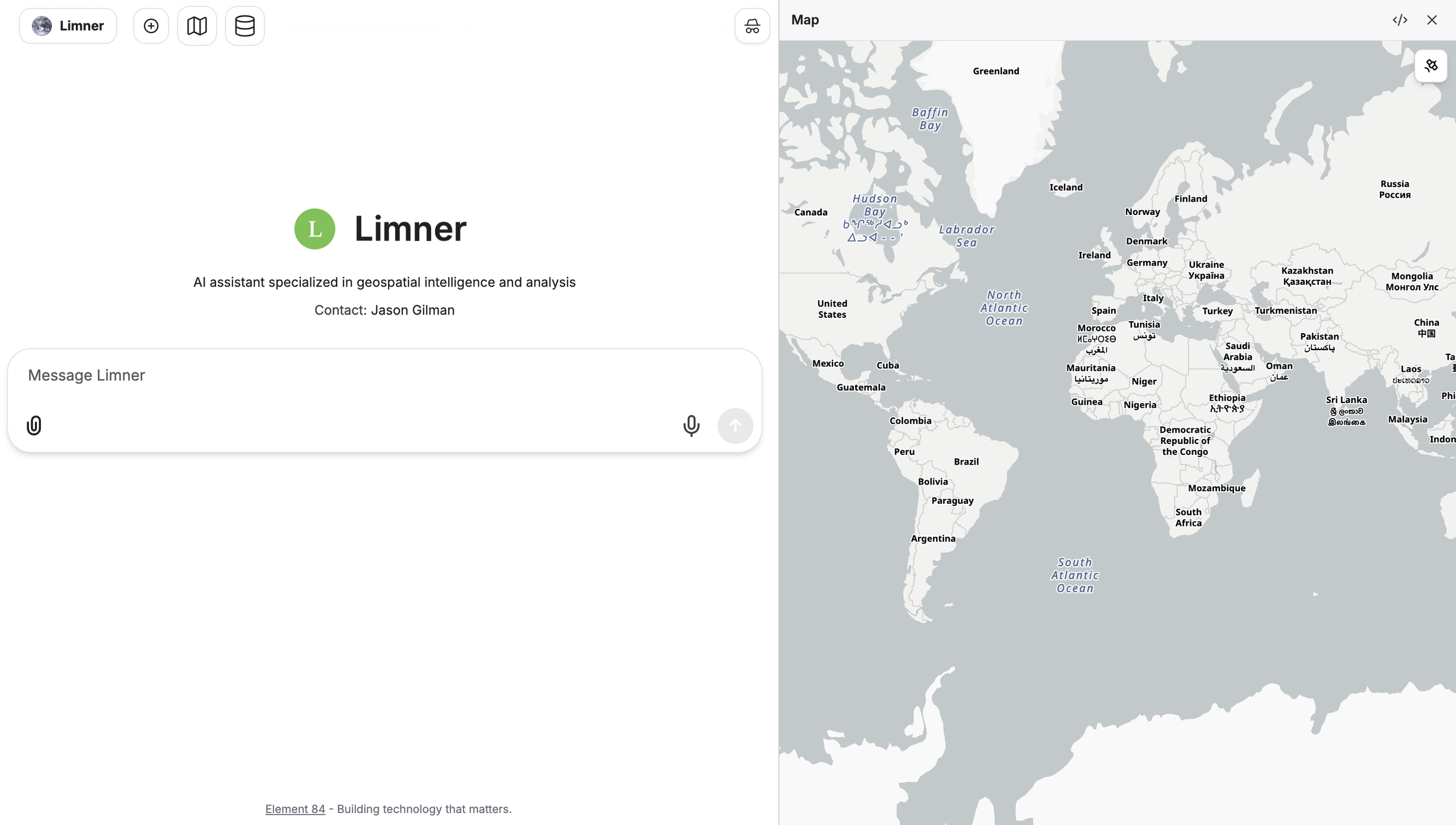
What is Limner
Limner lets you run advanced data analysis by asking questions in plain English. It is built around three core concepts:
Composition: Limner is built from parts we can combine for each problem: different agents, skills, tools, and data sources. That lets it help with a wide variety of challenges. From analyzing fire using NASA FIRMS (Fire Information for Resource Management Systems) data to exploring the change in solar energy generation based on satellite imagery, Limner is designed to be adjustable for your needs.
Adaptation: Limner expands on general data analysis by allowing users to explore and understand their data on a deeper level. Limner can write code, compare data sources, and find patterns to answer questions about your data. And it can do all this at scale, with the ability to save, interact with, and analyze large datasets without getting overwhelmed.
Provenance: Limner answers questions, but it also lets you see where those answers come from. Every tool Limner calls is recorded with its inputs and the complete response, and every piece of code it runs is saved. You can review the whole process behind an answer, so you never have to guess how Limner reached its conclusion, or what data it used to get there.
What Limner Can Do
Many of our current Limner demos center around its application for analyzing and interpreting geospatial data and imagery. From its initial demos finding new solar panels throughout Massachusetts, Limner can now take a question such as “how much energy could the solar farms built between 2018 and 2021 within 5 miles of Worcester, MA produce” and work the problem end to end.
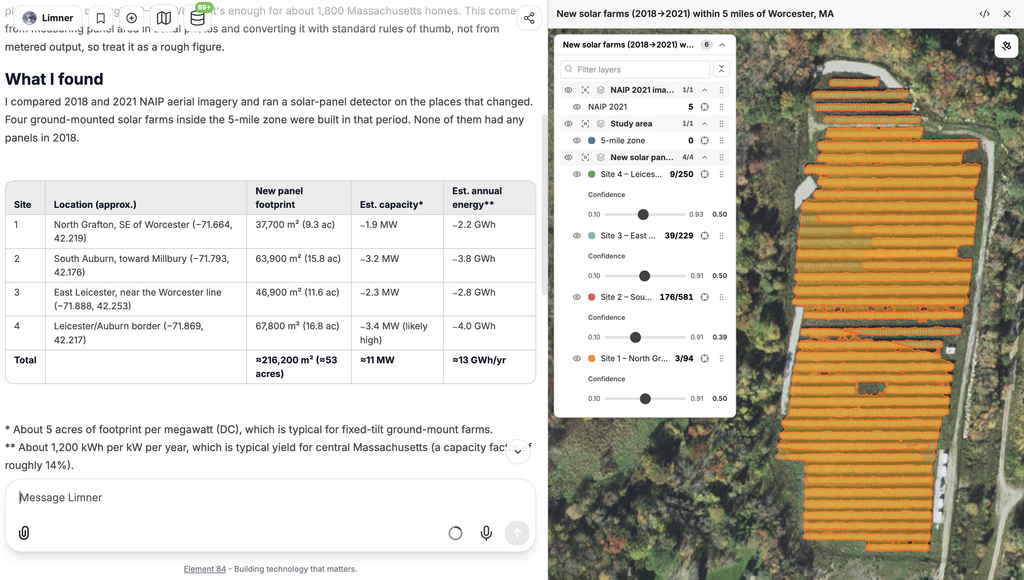
How does it do this? Limner has the ability to break complex problems into a concrete plan, and then use a variety of tools in order to complete its plan. For this solar example, it first begins by geocoding your text location into a set of coordinates it can use as the basis for its analysis. Next, it can use its change detection tool to search for new solar panels within that area. Once it has found the solar panels, it can get satellite imagery of them and analyze that imagery to get the area of each solar panel farm. It then writes code to turn that area into an estimation of how much energy those panels could produce, and returns the final result.
Limner’s abilities aren’t limited to visual data. We’ve used Limner to interpret NASA FIRMS data for wildfire analysis, or flood depth data to estimate the damage a flood would cause to nearby structures. Limner can also access data from NASA’s Common Metadata Repository (CMR) and the Registry of Open Data on AWS, two large catalogs of public data. After analysis, it can display data on a map or create visual representations of data to give you a range of responses. We keep adding tools and data sources, and the most recent ones are below.
What’s New Since July
Since our July post, we’ve moved everything in the app over to the Limner name and added several new capabilities:
- Limner can estimate the dollar loss to buildings from a single flood event anywhere in the US. It pulls building records from the U.S. Army Corps of Engineers National Structure Inventory, samples the flood depth at each building, and applies USACE depth-damage curves to add up structure and contents losses. It works with any flood depth data stored as Cloud-Optimized GeoTIFFs on S3, and it splits large areas into smaller pieces that run in parallel.
- Limner can now search the web. That lets it check its answers against published sources, look up current events, and find published methods for data analysis.
- Limner can stop partway through a task to ask you a question, and it can run long tools in the background.
- We’ve added Claude Opus 5.5 as a model option, and the code sandbox now supports Zarr, a format common in large climate and Earth science datasets.
What’s Next for Limner
You can check out some current features and demos on Limner’s new homepage, and we are currently showcasing Limner at various conferences. We’re planning a limited beta, and we want to hear what you’d like to see in Limner and what you’d use it for. Reach out to us and let us know what you’re interested in seeing. We’d love to hear from you!
